Description
- Brand Name: Uperfect
- Display Ratio: 16:9
- Bracket Type: Ordinary bracket
- Display Size: 17″
- High-Dynamic Range: HDR1000
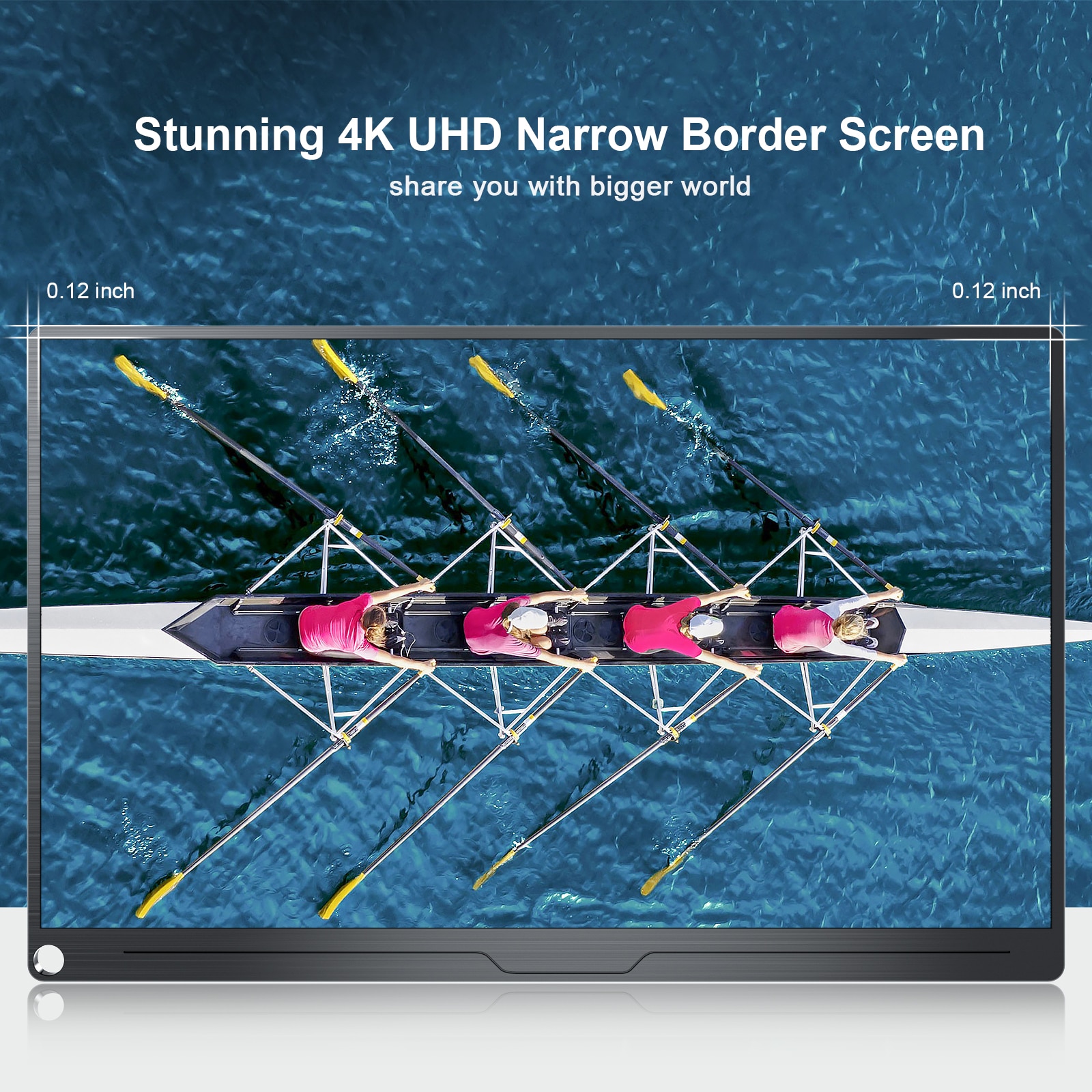
- Resolution: 3840 x 2160
- Screen curvature: NONE
- Origin: Mainland China
- Horizontal Viewing Angle: 178°
- Panel Type: IPS
- Vertical Viewing Angle: 80°
- Interface Type: Type-C
- Matrix color depth: 8 bit
- Refresh rate sync technology: AMD FreeSync
- Black and White Response Time: 10 ms
- Screen Type: WLED
- Plug Type: EU plug
- Built-in Speaker: Yes
- Brightness: 400cd/m
- Pixel Pitch: 0.25mm
- Screen surface: Glossy
- Application: Desktop
- Contrast Ratio: 1000:1
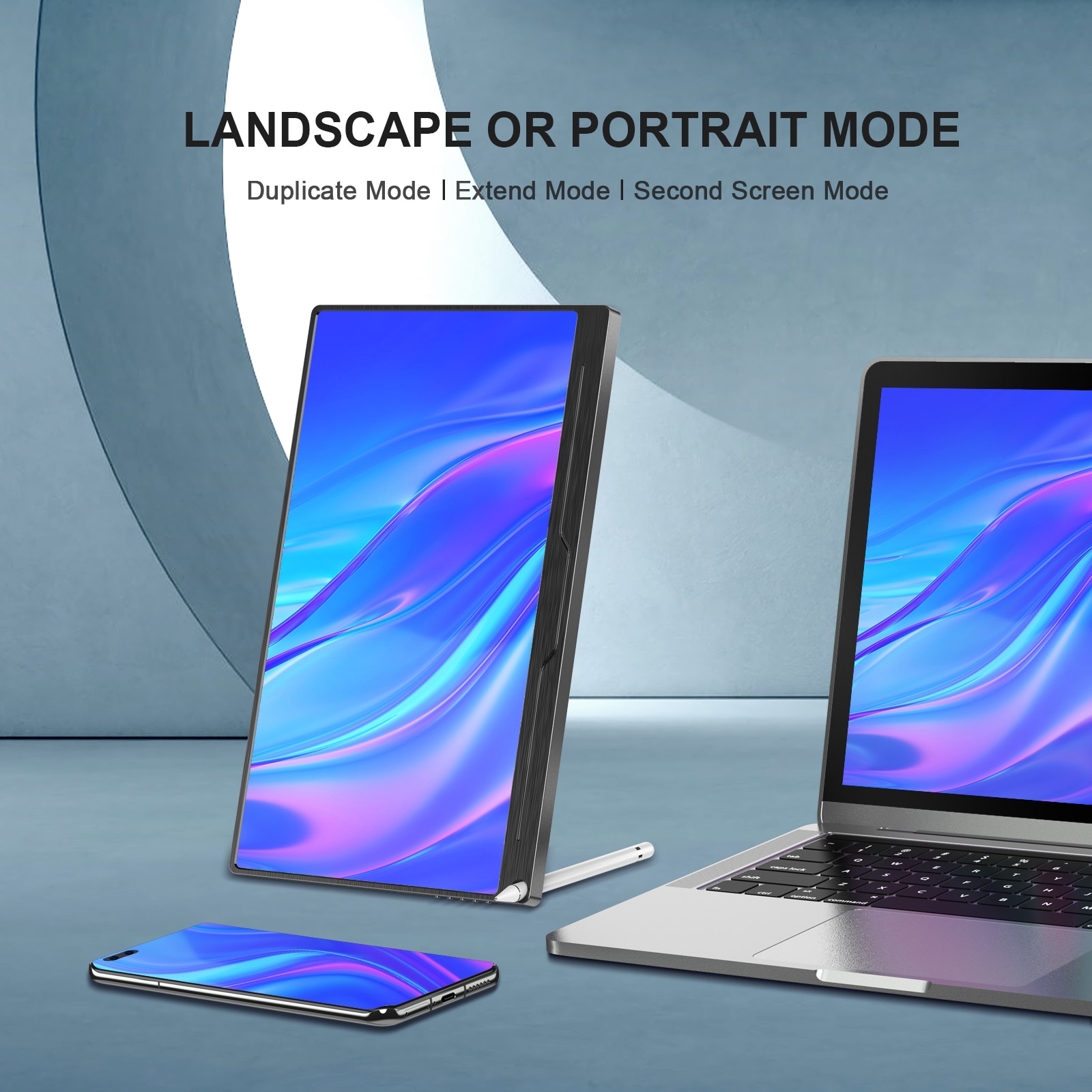
- Feature: Speaker,Gaming,Vertical mode
- Products Status: STOCK
- Certification: CE,FCC,RoHS
- Contrast Ratio: 1000:1
- Refresh Rate: 60Hz
- Response Time: 5ms


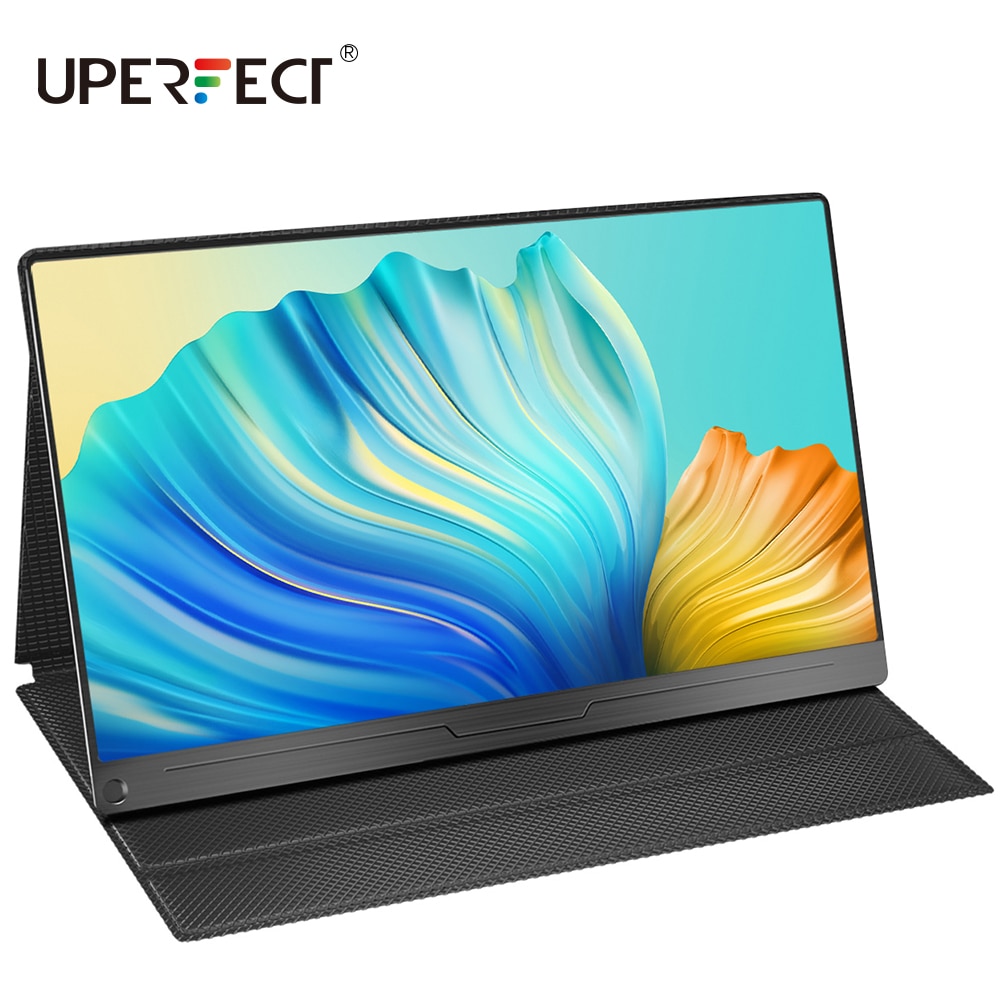
UPERFECT 4K Computer Monitor 17.3“
Feature:
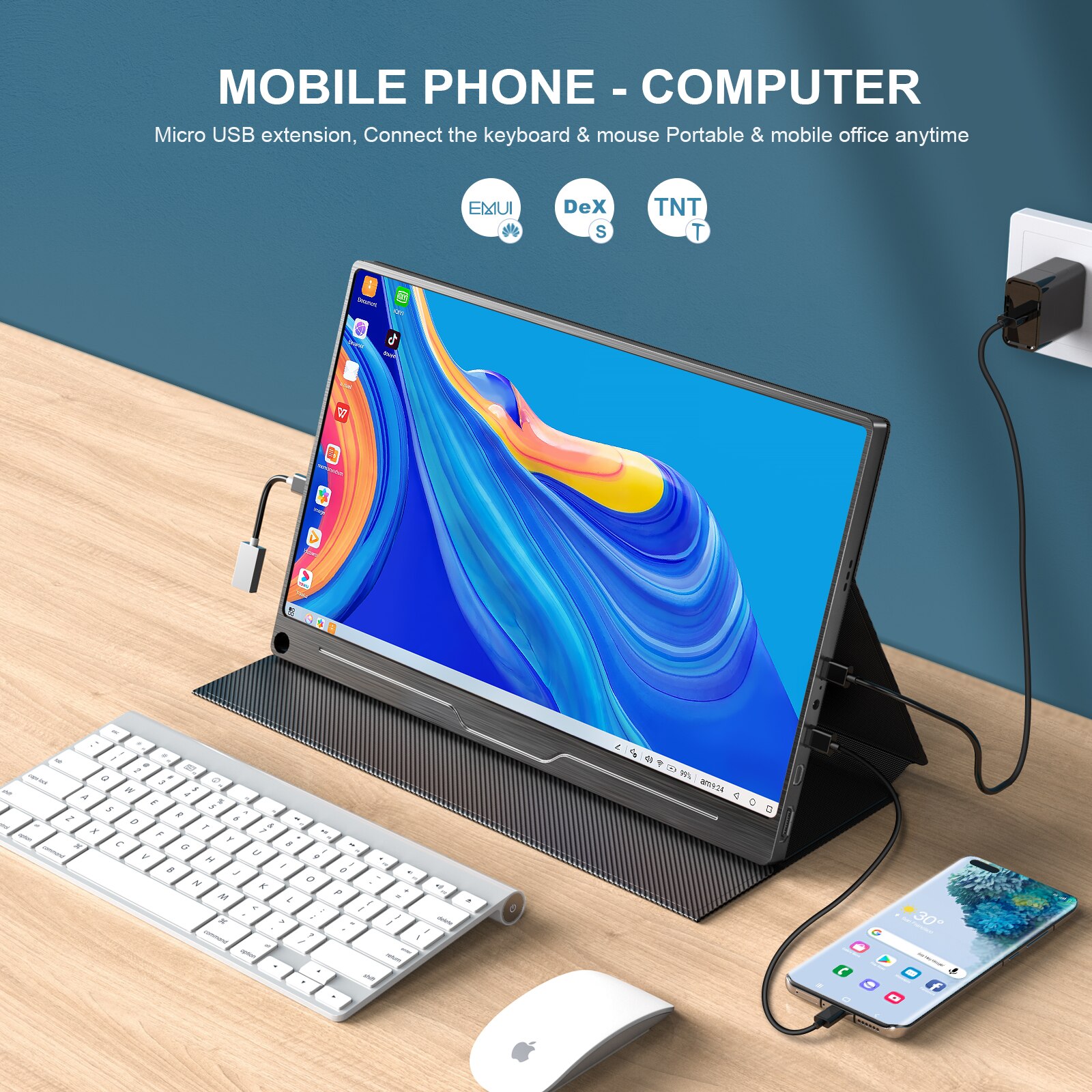
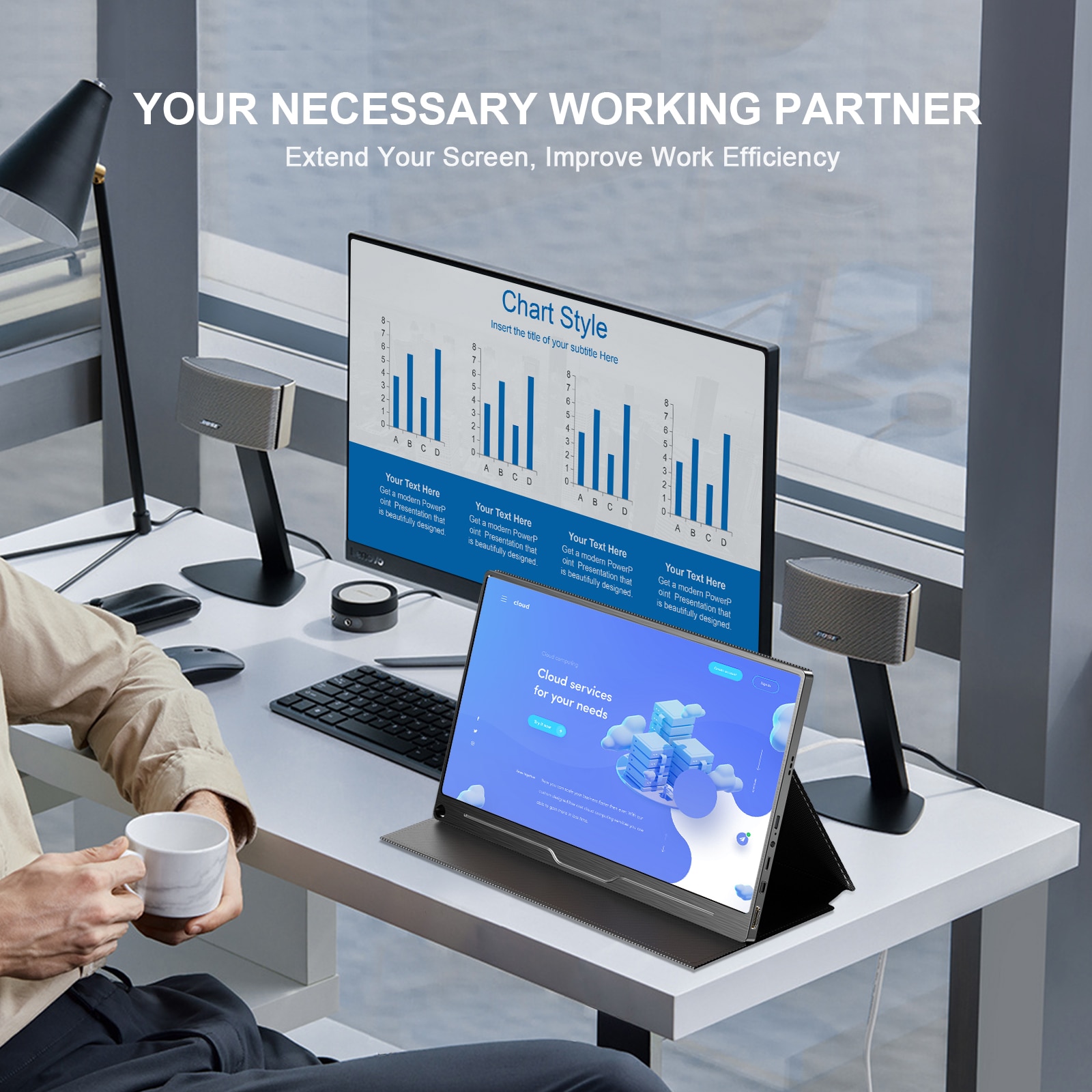
1.Single USB-C connectionFor USB3.1 cellphone & laptop with Thunderbolt3.0 protocol,monitor can mirror or expand by just one Type-C cable,no driver and complicated line.Please use PD powering if unstable voltage
2.Plug & Play Fully equipped TYPE-C,HD,PD,Mini DP port,no adapter or application which widely compatible with Xbox/360/Macbook air/Esports/PC/P30/P20
3.VESA The display conforms to the international VESA standard and is available in a 75*75mm round hole mounting.Free bracket included,portable to use
4.Round Hole Design Only one pen stand the monitor by the unique round hole.The pen of any length provides the desired viewing angle
5.Speaker Built-in dual speakers,video+audio real-time communication,enjoy the office convenience.3.5mm headphone output port deliver stereo
6.Carbon fiber panel Aluminum alloy provide mirror screen,the metal cutting makes the product refined & compact
Specification:
Resolution:3840*2160
Screen size:17.3″
Panel Type:IPS
Brightness:400cd/m²
Contrast:1000:1
Display color:16.7m(8bit)
Viewing angle:178°
NTSC:100% Adobe
Size:382.12×214.94 mm
Net weight:1.12kg
Package include:
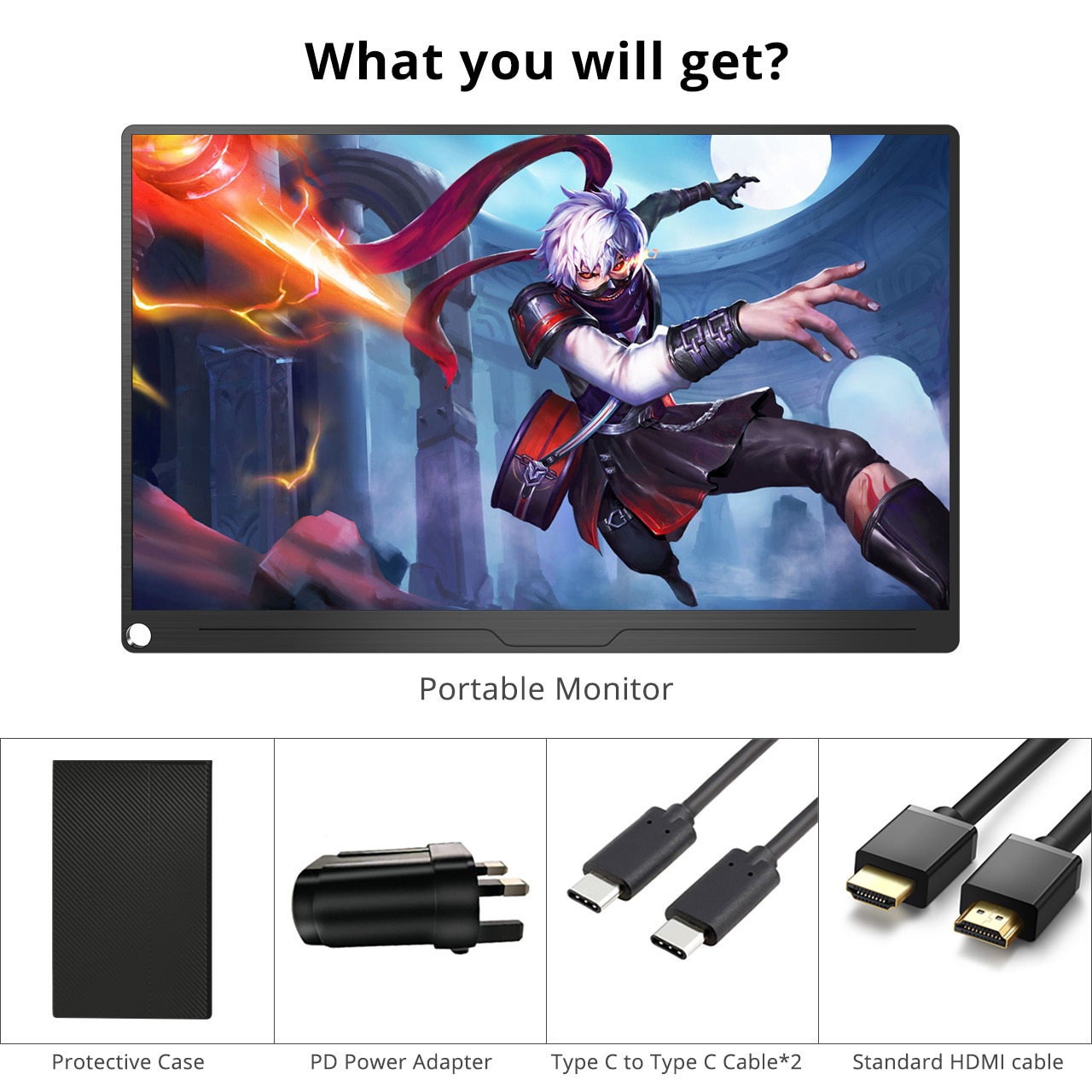
1×17.3″ 4K Monitor
1xLeather Case
1xHD cord
2xType-C cord
1x30W PD adapter(Support 100W)
1xManual
Note:
1-If no signal,Adjust the device’s resolution or projection setting,connect a new HD cord 2-If the screen is blinking or blue,red,white.Use max 100W Type C +PD Powering 3-Remove the protective film.This is just a foil protecting the screen from shipping damage